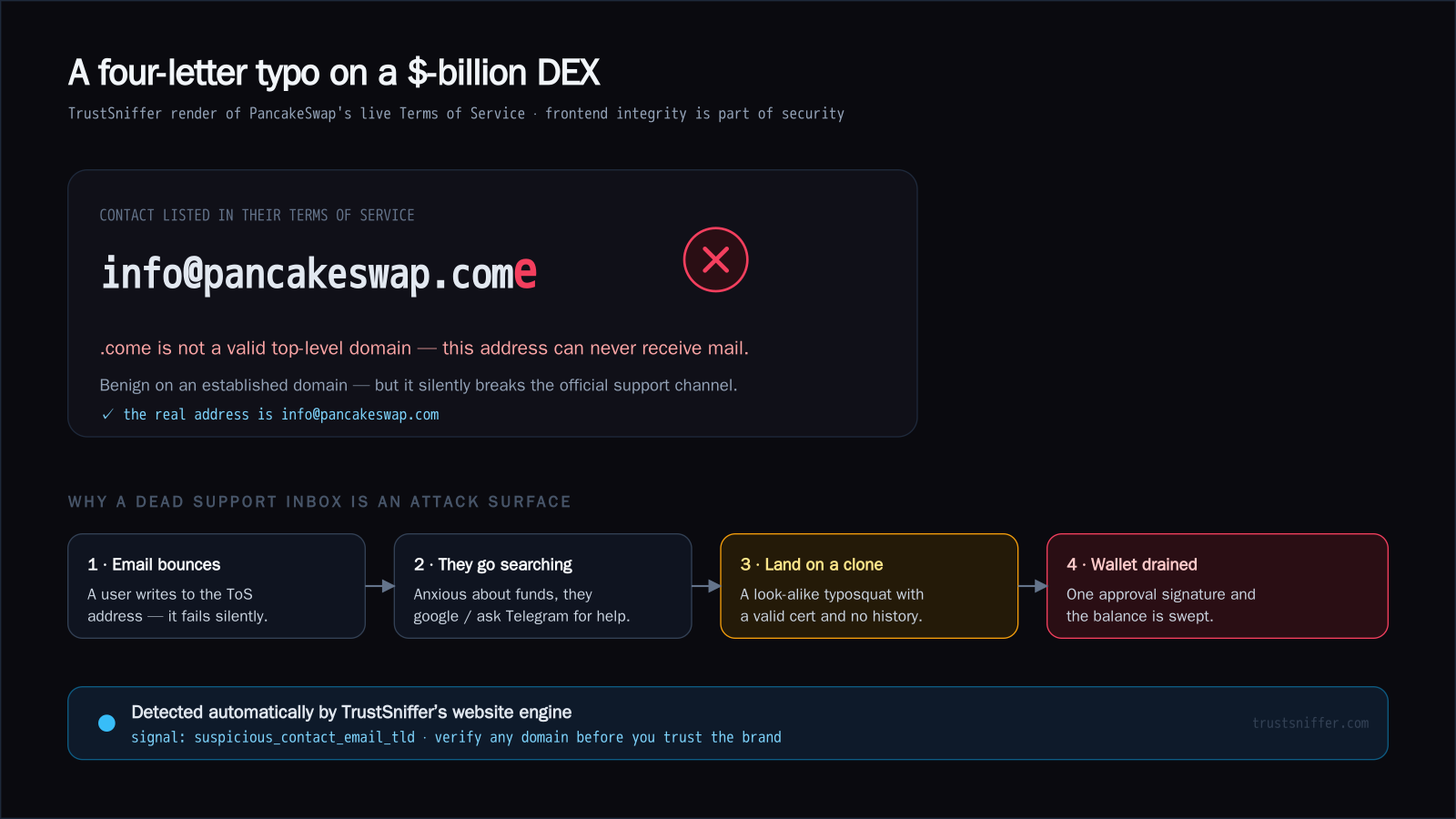
The finding
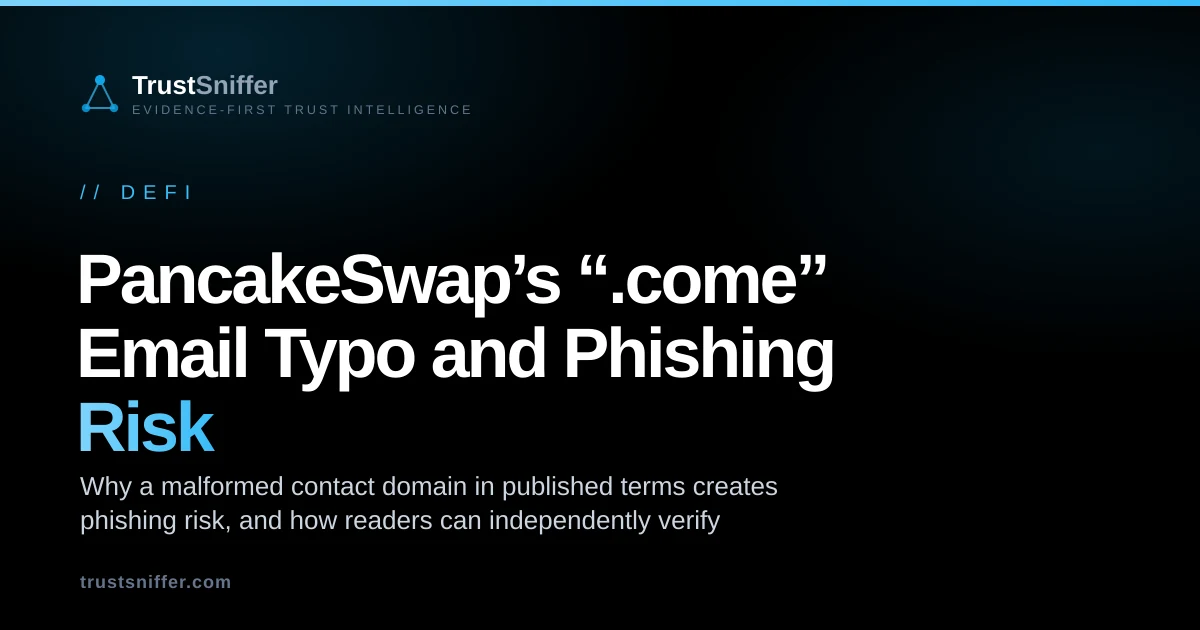
When our website engine rendered PancakeSwap's live Terms of Service, it read the listed contact address as [email protected]. The problem is the final letter: .come is not a real top-level domain. Mail to it doesn't reach a mistyped inbox — it fails to resolve and bounces. The real address is [email protected]. You can see the current verdict for the site on our PancakeSwap report.
Why a dead support inbox is an attack surface
On a domain with PancakeSwap's history this is benign — no funds are at risk from the typo itself. What it illustrates is that the frontend is part of the security perimeter, and a broken official support channel creates a vacuum that scammers are designed to fill:
- A user emails the address in the Terms of Service — and it silently bounces.
- Anxious about their funds, they search Google, Telegram or Reddit for “PancakeSwap support”.
- They land on a look-alike clone — a typosquat with a valid SSL certificate and no history.
- The clone asks them to connect a wallet and sign a token approval; the moment they do, an approval-drainer sweeps the balance.
None of these steps needs a technical exploit. The chain starts with a bounced email and ends with a signature the user gives away themselves. That is why a broken contact detail on a real site matters: it quietly pushes people toward places where impostors are waiting.
How TrustSniffer caught it — and how you can
Our page module quotes the exact address it found and raises a suspicious_contact_email_tld signal — a contact email on an invalid or typo top-level domain. The broader lesson is procedural: verify the domain before you trust the brand. When sufficient evidence can be collected, the website checker assesses signals such as site age, certificate origin, and reputation; blocked, challenged, or incomplete targets may require additional review. Before approving a transfer, screen a supported counterparty address with the wallet risk check too.
- Read the ending of any email address or link letter by letter. An address ending in .come looks almost right, but it is not a real domain ending.
- Compare the domain in the contact address with the domain you typed or bookmarked yourself. If they differ, stop and check before sending anything.
- If a message to an official address bounces, go back to the official site rather than searching for another contact. Search results and DMs are where look-alike clones tend to appear.
- Never share a seed phrase or sign a wallet approval because someone replied to you about support. A genuine team will not ask for either.
You don't need special tools to catch the kind of slip we found here. A single extra letter is easy to read past, because your brain fills in the word it expects. Slowing down on the very end of an address is usually enough.
How to spot a typo in a contact address
What to do as a user
- Reach official support only through a domain you typed yourself or bookmarked — never a link from a search result or a DM.
- Treat any “support” address or agent that contacts you first as hostile.
- Check a site with a website checker before connecting a wallet, and set token approvals to the exact amount rather than unlimited.
- Browse flagged high-risk crypto sites and verified-legitimate ones in the directory.
Frequently asked questions
Is PancakeSwap unsafe because of this?
What is a .come domain?
How can I tell a real crypto site from a clone?
What does this analysis of PancakeSwap’s “.come” Email Typo and Phishing Risk establish?
- Typosquatting risk
- The risk that a misspelled domain can be registered or imitated to misdirect users, capture messages, or support impersonation.
For broader context, the TrustSniffer Risk Index separates aggregate platform coverage from conclusions about any single domain or package.